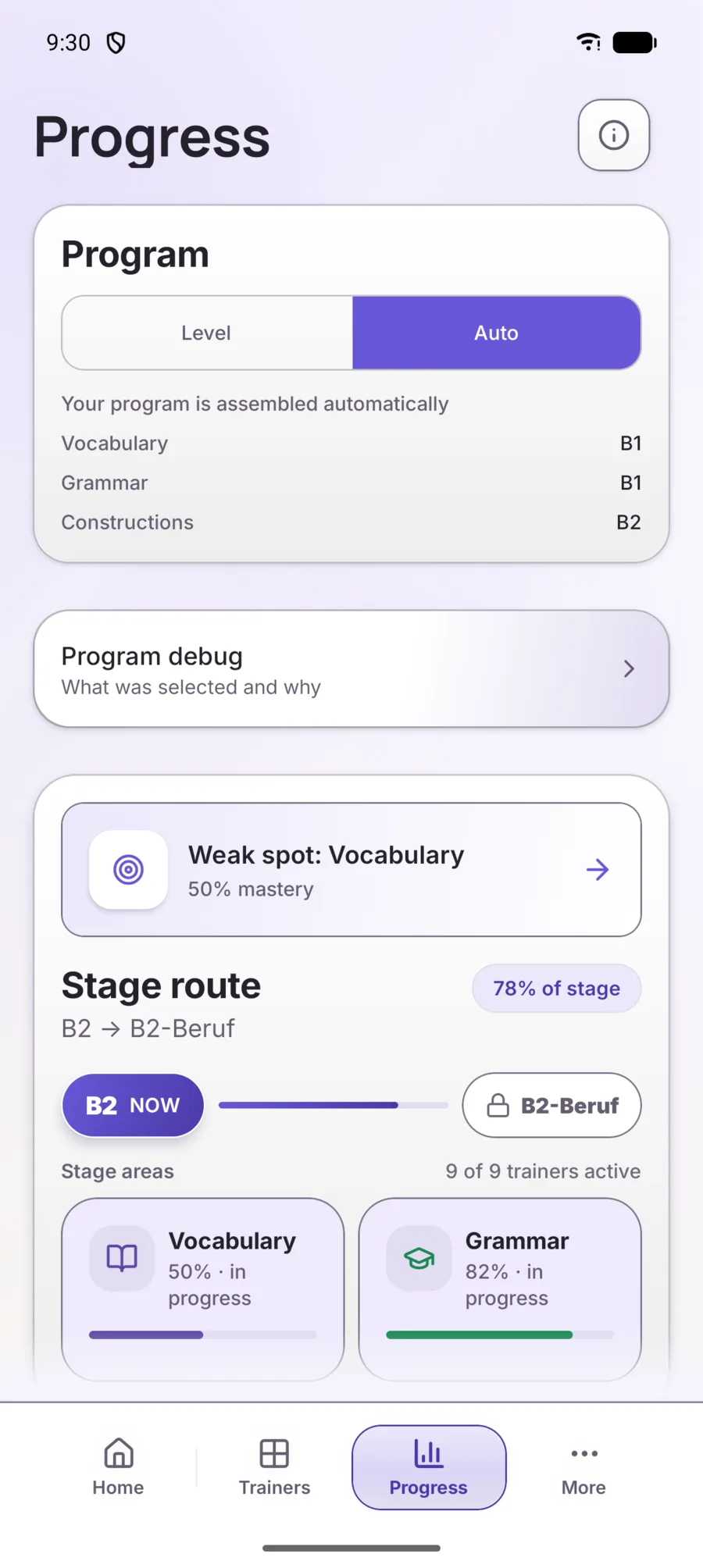
How Lernoroo decides what to show you.
You can open any trainer yourself, or let Auto mode put today's session together. Below is how Auto mode picks the material, and what the app counts as learned.
Where Auto mode takes material from
From four places, in this order.
The plan is computed on the phone from your own progress. The same progress leads to the same choice of material.
- R
Review
35%
Words and rules you have met before and are due to see again.
- W
Weak spots
20%
What you get wrong more often: right today, wrong tomorrow.
- N
New
30%
The next useful step at your level, not the next item in a list.
- E
Extra material
15%
Extra practice at your current level.
- Default values. The more review or weak material has piled up, the more room it gets.
Four steps, not one tick
A tap that was right once proves very little. Every item moves through four steps, and a trainer reports the step it has reached.
01
Recognise
I know what this means.
02
Recall
I can produce it from memory.
03
Guided use
I can use it with a prompt or an example.
04
Free use
I can use it independently.
When something comes back
The first intervals are fixed. After them the schedule is computed by FSRS — an algorithm that picks the next date from how well you actually answered.
- 15m
- 1h
- 1d
- 3d
- 7d
- 30d
- FSRS
Two scales, not one
The app counts them apart, so grammar topics can sit at different levels at the same time — and you see that instead of an average.
Level core
What you need to hold before moving on.
Extra material
Extra words and constructions at your current level.
Example